Smoothing point clouds with pcopen
Relax noisy scans and scatters in one Point Wrangle, and understand what pcopen and pcfilter actually do.
Scans, fluid surfaces and scattered points all come in noisy. The fix is almost always the same move: nudge each point toward the average of its neighbours. In VEX that takes four lines.
The wrangle
Drop a Point Wrangle after your points and add three parameters with the button next to the code editor: radius, maxpts and amount.
// Point Wrangle, run over Points
int handle = pcopen(0, "P", @P, chf("radius"), chi("maxpts"));
vector avg = pcfilter(handle, "P");
@P = lerp(@P, avg, chf("amount"));
pcclose(handle);Start with a radius about three times your average point spacing, maxpts around 20, and amount at 0.5.
What each line does
pcopenbuilds a query around the current point: up tomaxptsof the nearest points withinradius, looking at thePattribute of input 0.pcfilterreturns a distance-weighted average of any attribute over those points. Nearer points count for more, so the result is smoother than a plain mean.lerpblends from the original position toward that average.pcclosereleases the handle. Houdini would clean up for you, but closing makes the intent obvious.
Because every point reads the input geometry rather than its already-moved neighbours, the result doesn't depend on point order. That is what you want in a wrangle.
Going further
- More smoothing: put the wrangle inside a For-Loop with Feedback and set a few iterations, rather than raising the radius. (A For-Each loop won't do it. In Houdini 22.0.368, a For-Each whose piece attribute is missing warns and outputs no points. For-Each Point runs once per point, but then
pcopenfinds only the point itself, so nothing moves.) Large radii flatten detail you want to keep. - Protect edges: multiply
amountby a mask, such as curvature or a painted attribute, so sharp features survive. - Smooth anything: swap
"P"inpcfilterfor"Cd","N"or"v"to blur colour, normals or velocity with the same neighbourhood. - Count, don't average:
pcnumfound(handle)gives you local density, which makes a great mask on its own.
The pcopen entry in the dictionary has this wrangle and a density example ready to copy, along with its other signatures.
Related
 HoudiniStage in, stage out: Houdini's Solaris treats every node as a function over a USD sceneIn Houdini's Solaris, every LOP node takes a composed USD stage and returns one, and its edits land in one in-memory layer at the top. A 31-line usd-core model of that contract, the Python LOP that does it for real, the same network checked in Houdini 22, and why a Layer Break decides what gets saved.
 Houdinisplit() is a tokenizer: building cache paths from strings in Houdini VEXVEX strings look like Python's, but split() merges separators and drops empty fields, len() counts bytes, and a wrangle expands $ before the compiler sees it. A per-piece cache path built from the scene file name, and the traps along the way, checked in Houdini 22.
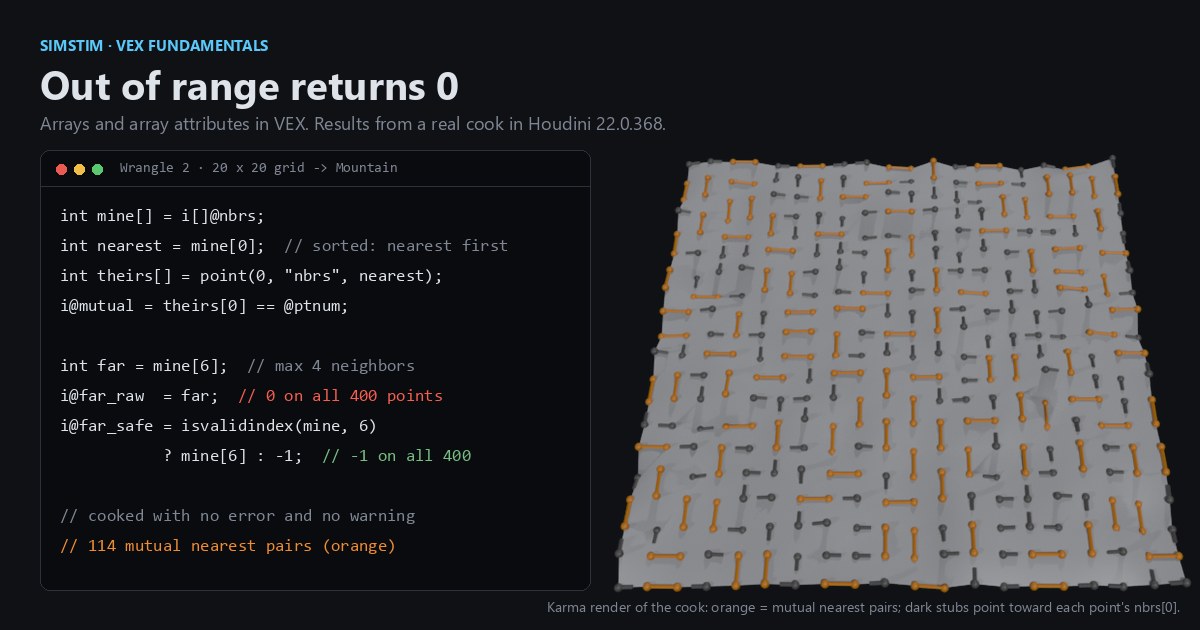 HoudiniOut of range returns 0: arrays and array attributes in Houdini VEXVEX arrays slice like Python lists, but an out-of-range read quietly returns 0, a write past the end grows the array, and arrays can't nest. Per-point neighbor lists sorted by distance, read back from other points, and the traps that turn a bad index into point 0.