Physics inside Control Rig in Unreal Engine 5.8, and how it is built
Control Rig Physics is Beta in 5.8 and Control Rig Dynamics is new. What each does, the node set, and how it differs from Physics Control.
Unreal Engine 5.8 gives Control Rig two ways to simulate parts of a rig. Both run inside the rig graph, so the simulation sits next to your IK and procedural logic instead of in a separate Animation Blueprint node. This post covers what Epic has documented for each, the node set you will be working with, and how they relate to the older Physics Control plugin.
Everything here comes from Epic's 5.8 release notes and the 5.8 node and API references, linked at the end. Where the docs are silent, this post is too.
Two systems, two jobs
The 5.8 release notes list two separate features:
- Control Rig Physics, under the heading "Animate with Control Rig Physics (Beta)". The notes say it "moves to Beta" in this release.
- Control Rig Dynamics, under the heading "Dynamics - Particle Based Physics for Control Rig". The notes call it "a new, lightweight particle-based solver built directly into Control Rig for high-performance in-game character simulations." That section does not carry an Experimental or Beta label, so check the plugin's status in Edit > Plugins in your own build before you commit a production rig to it.
The split is by weight. Control Rig Physics is a rigid body setup with bodies, joints, drives and controls. Dynamics is a particle solver aimed, in Epic's words, at "cosmetic elements like clothing, hair, and accessories without the overhead of full physics engine capabilities." Epic claims a "5x runtime performance improvement over existing physics solutions" and "fewer nodes and a simplified authoring workflow." Those are Epic's figures; measure on your own characters.
What changed in 5.8 for Control Rig Physics
The release notes list these additions:
- "Support for applying forces directly within Control Rig Physics."
- "Ability to animate forces over time for dynamic rig behavior."
- Physics rigs now behave as layered rigs, compositing on top of existing animation without an explicit layered rig setup.
- "New physics modules for Modular Control Rig to simplify physics setup."
- "New physics utility rigs in the animator kit to assist animators working with physics-driven rigs."
The layered behaviour matters for animators. You can put a physics rig over keyed animation in Sequencer and let it add secondary motion or a full fall, rather than baking a simulation in another package.
How a physics rig is built
The nodes live in the ControlRigPhysics plugin, in the RigPhysics category of the Control Rig node reference. The physics objects are not new element types. They are components added to existing hierarchy elements, and the node docs describe each spawn node as adding its object "as a component on the owner element."
Setup happens once. Spawn Physics Solver adds a solver and outputs a PhysicsSolverComponentKey. Its inputs include solver settings, teleport detection thresholds and a space motion block for "velocity/acceleration conditioning plus inertial-force gain and drag settings." The reference notes that this node "only runs during the construction event (before physics instantiation, after which this data is frozen)."
You then populate the solver. You can do that by hand with Spawn Physics Body, Spawn Physics Joint and Spawn Physics Control, or in one pass with Spawn Physics Components. The faster route for an existing character is Instantiate From Physics Asset. It "creates multiple physics components based on the supplied physics asset," and it takes:
PhysicsAsset, the source asset.BonesToUse, a filter; empty means all matching bones.bEnableJointsandbEnableDrives, both on by default.bAddSimSpaceControlandbAddParentSpaceControl, which create a control per body in simulation space or parent space.
Epic adds a warning worth repeating: "the resulting simulation bodies may not precisely match the physics asset." Treat the import as a starting point. Import Collision From Physics Asset is a separate node if you only want the shapes.
The simulation advances through Step Physics Solver. It takes the solver key, a DeltaTimeOverride ("If this is zero, then the execute context time will be used"), a separate override for simulation space movement, and an Alpha that blends between the simulation and the incoming bone animation in component space. There is also bTrackVelocitiesDuringPassThrough, which keeps tracking source bone transforms while the sim is passed through, so velocities are sensible when it resumes. A VisualizationSettings input controls how the solver draws its state.
Driving the simulation
Once the rig is running, most of the node set is getters and setters on those components. The groups a TD reaches for first:
- Bodies: Set Physics Body Movement Mode, Set Physics Body Kinematic Target, Set Physics Body Physics Blend Weight, Set Physics Body Gravity Multiplier, Set Physics Body Damping, plus getters for transform, centre of mass and linear, angular or point velocity.
- Joints: limit setters for cone, twist and linear constraints, drive properties, and Set Physics Joint Drive Use Skeletal Animation.
- Controls: Set Physics Control Target, Set Physics Control Linear Strength and Angular Strength, the matching damping ratio nodes, Set Physics Control Multiplier and Set Physics Control Enabled.
- Solver: Set Physics Solver Space Motion, Set Physics Solver Teleport Detection and Set Physics Solver External Velocity.
Forces are the headline 5.8 addition. Add Force "will add a force (or impulse, torque, velocity change etc) to the body." The record is stored on the body component, applied "next time the solver is stepped, after which the record will be cleared." Its optional Name input lets you identify a force record and delete it later with Remove Force.
How this differs from Physics Control
The Physics Control plugin is a separate system that predates Control Rig Physics and still ships in 5.8. It is built around PhysicsControlComponent, which the Python reference describes as managing "Controls and Body Modifiers." Controls "control one physics body relative to another (or the world)" through "physical spring/damper drives," and body modifiers change properties such as whether a body is simulated or affected by gravity. On the animation side it provides the Rigid Body With Control anim node.
The two share vocabulary (controls, strengths, damping ratios, and Add Force takes a Physics Control force-and-torque struct), but they sit in different places. Physics Control works at the component and Anim Blueprint level. Control Rig Physics lives in the rig graph, where it can be layered in Sequencer and packaged as a Modular Control Rig module.
Practical notes
- Keep setup on the construction side. The spawn and instantiate nodes run in the construction event, and their data is frozen after physics instantiation. Changing a spawn input at runtime will not rebuild the solver.
- Plan for teleports. Cuts and spawns will explode a naive simulation. The solver has explicit teleport detection settings, so tune them per character rather than working around the problem downstream.
- Blend, don't switch. Between the Step node's
Alphaand per-body physics blend weights, you can fade simulation in and out rather than toggling it. - Pick the lighter tool for cosmetics. For hair, cloth strips and dangling accessories in game, Epic points to Dynamics. Keep the rigid body setup for ragdolls, hit reactions and anything that needs joints and drives.
Further reading
Related
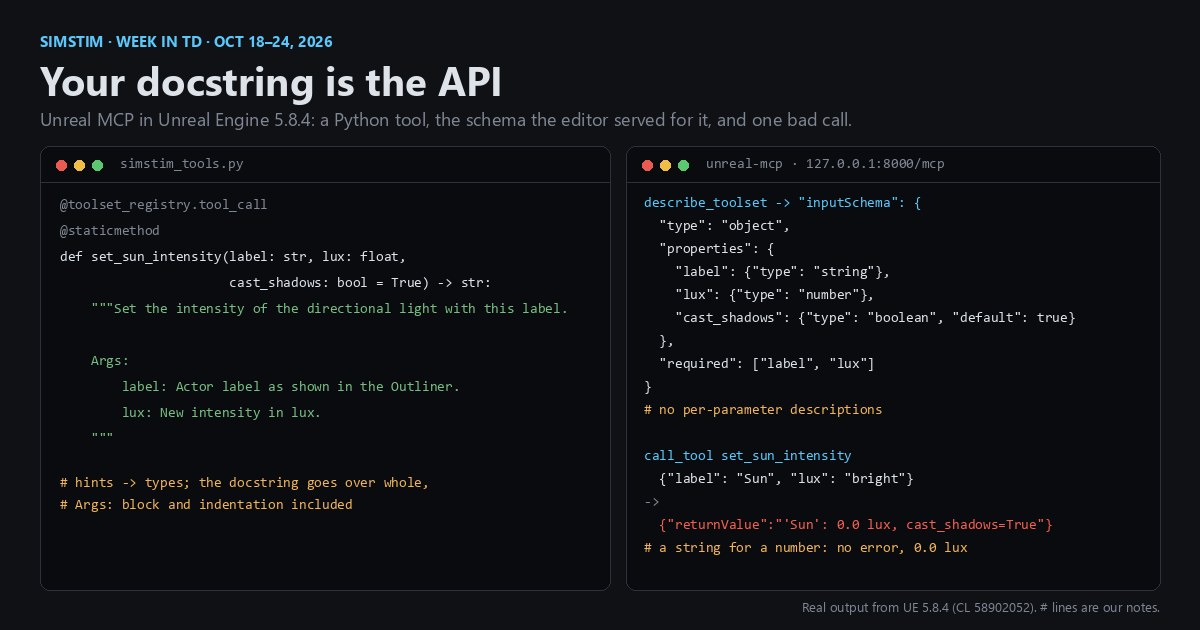 UnrealWeek in TD, Oct 18–24, 2026: Epic's AI game jam runs on Unreal MCP, where your docstring is the APIIn the week of Oct 18–24, 2026, Epic announced an AI MegaJam built around Unreal MCP, the editor's server for AI agents. We ran a small Python toolset through it in Unreal Engine 5.8.4 to see what a model reads: the whole docstring, a schema built from type hints, and arguments that are converted rather than checked.
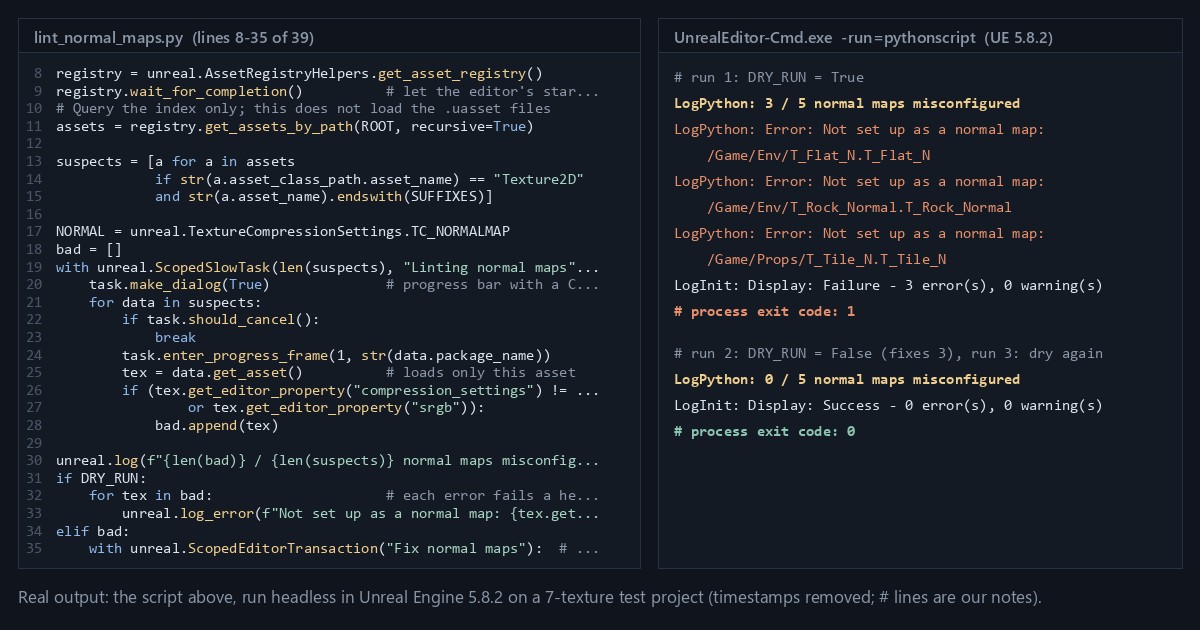 UnrealLinting game assets: a 40-line Python script that audits normal maps in an Unreal projectUnreal's editor exposes every asset's typed settings to Python. A short linter finds normal maps stored with colour settings, fixes them through the editor's own property path, and fails a headless build when it finds one. Run in Unreal Engine 5.8.2.
 HoudiniHoudini 22 two months in, with production build 22.0.429 and Houdini Engine for Unreal 4.0.1Houdini 22 is on its first production-build update, Houdini Engine for Unreal 4.0.1 targets it, and HIVE Equinox just wrapped in Toronto.